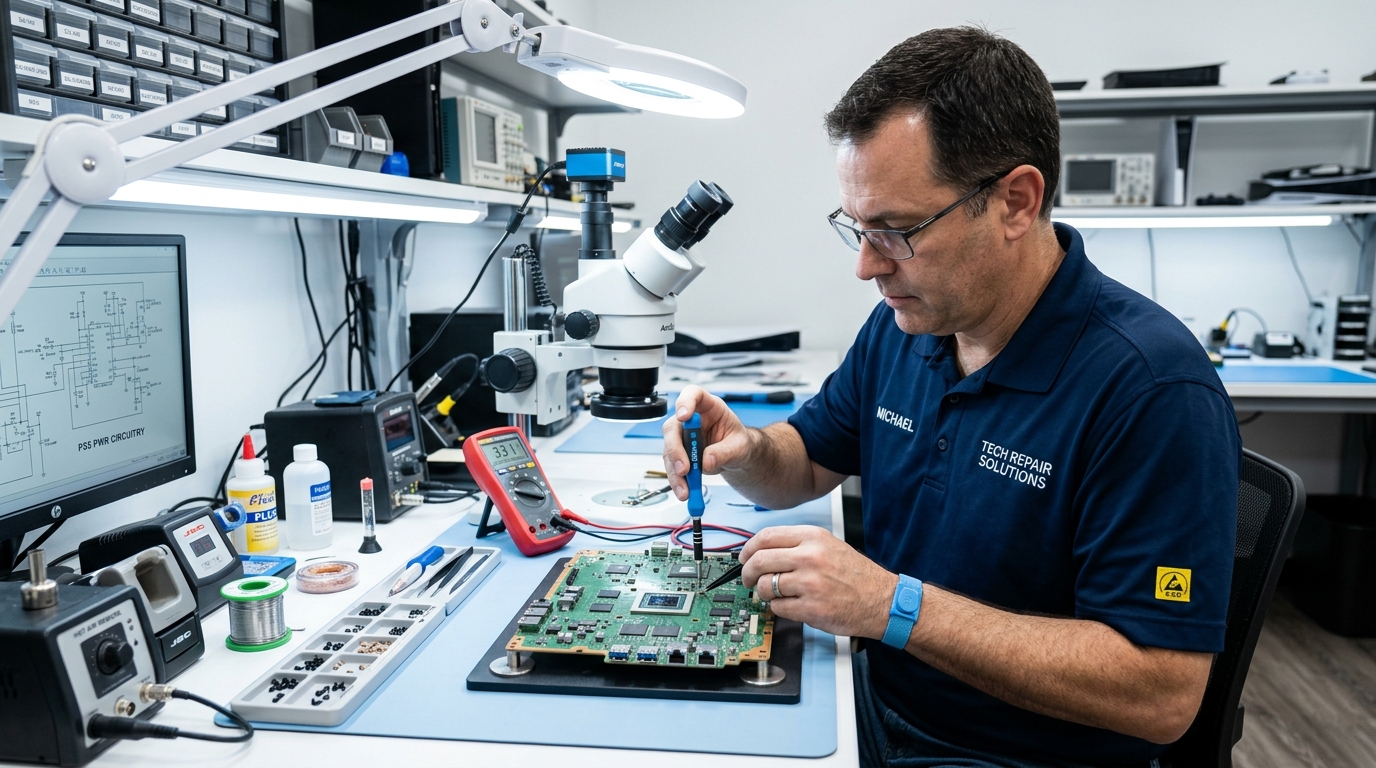

Ask About the Diagnosis
Understand what was inspected, which symptoms were verified and why the recommended work may be necessary.
Before agreeing to a service, take a moment to understand the recommendation, review the costs, and confirm the important details.
Understand what was inspected, which symptoms were verified and why the recommended work may be necessary.
Ask which components need replacement, why they are required and what quality or warranty information is available.
Review inspection charges, labor fees, replacement parts and additional costs before accepting the final estimate.
Confirm the service scope, expected charges, warranty conditions and payment details before giving approval.
Explore more independent consumer decision-making resources.
Explore independent consumer guides to understand what to check, compare and ask before choosing a local service professional.
01
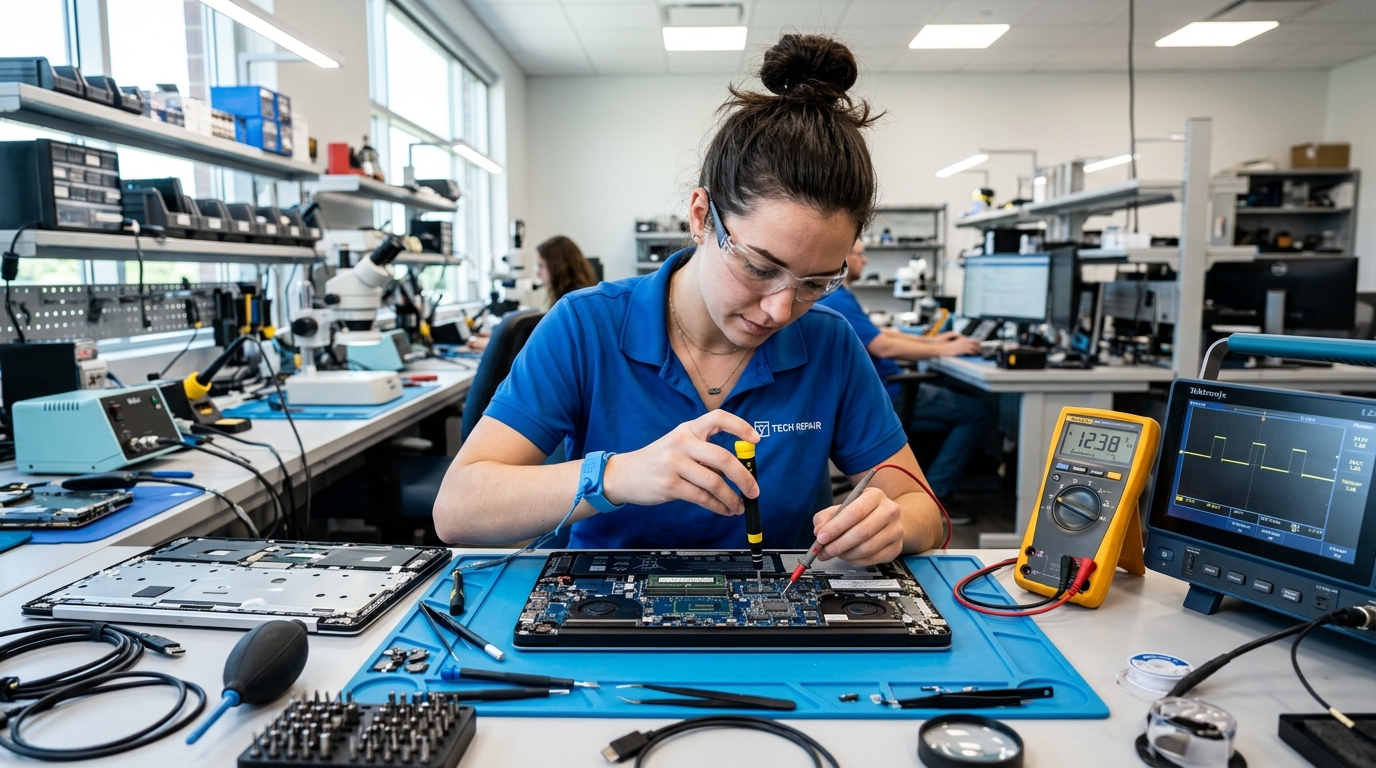
Understand technician credentials, device intake, data privacy, diagnosis details and replacement recommendations before handing over your computer.
02
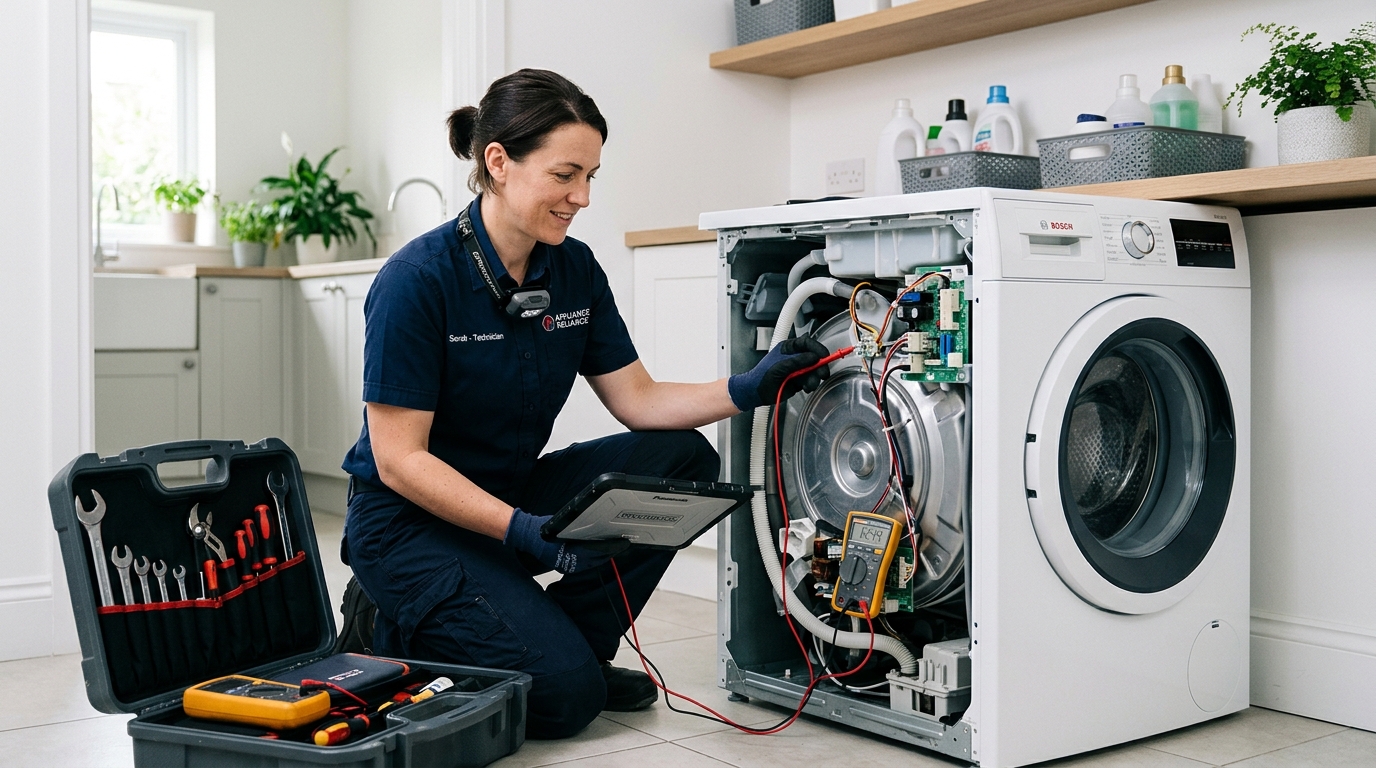
Know which questions to ask about inspection, motor, pump and replacement recommendations.
03
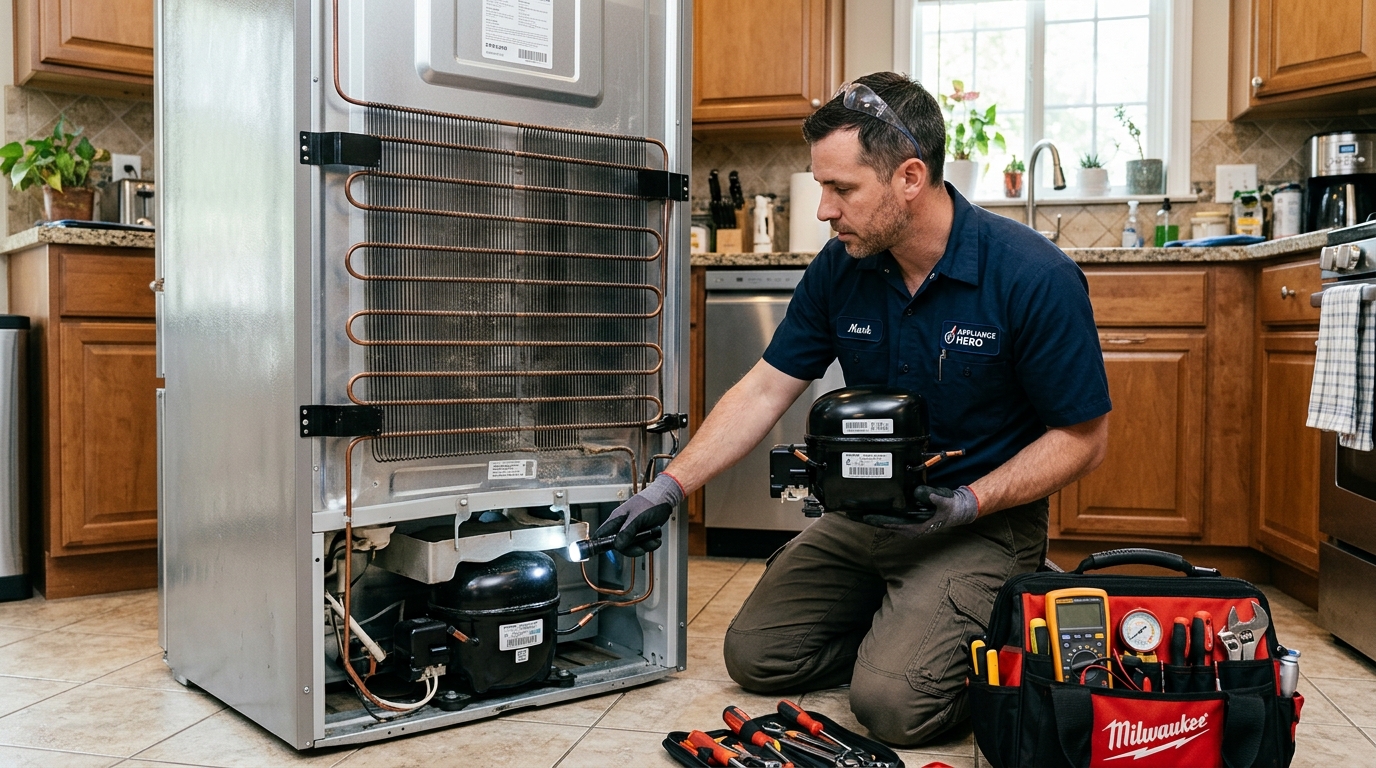
Learn about cooling inspections, compressor recommendations, parts and estimated charges.
04
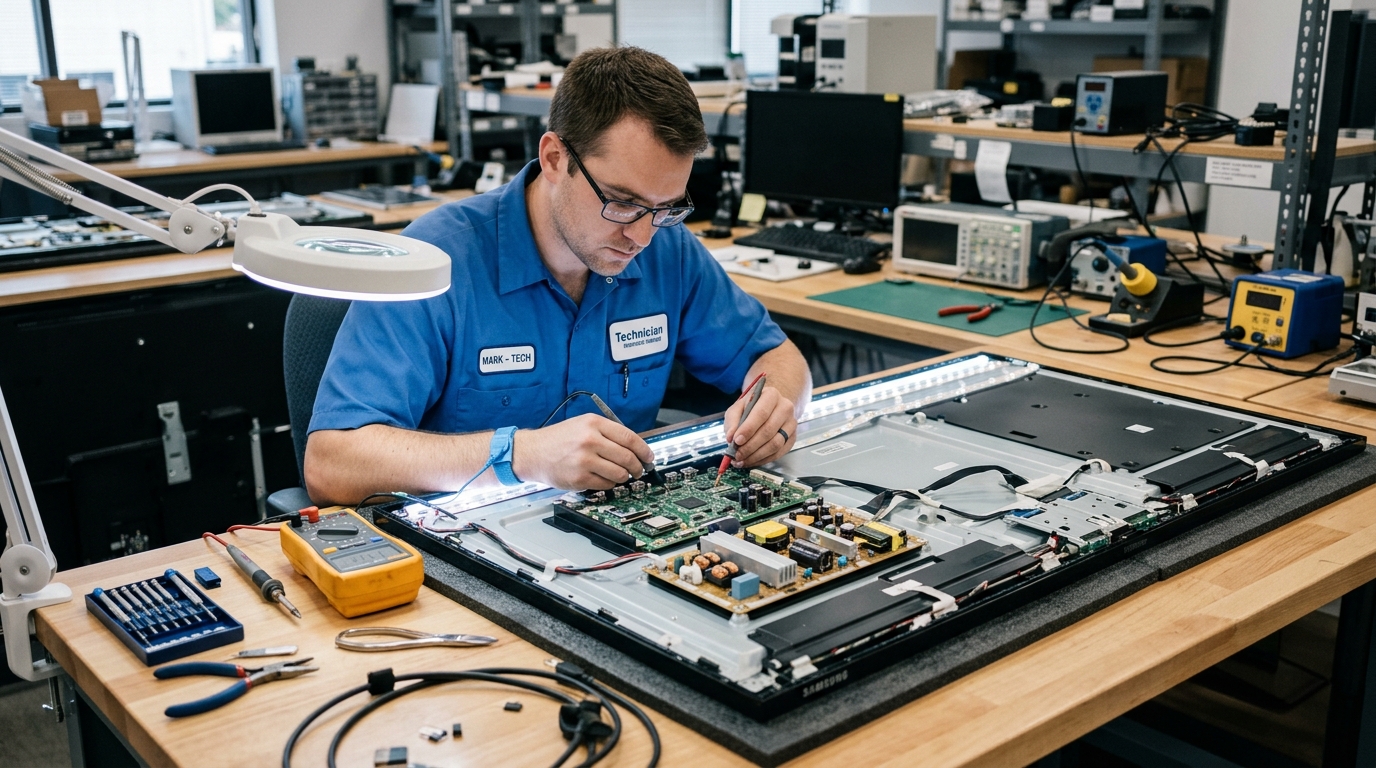
Understand panel inspections, backlight concerns and component replacement claims.
05
Review device access, account ownership, privacy and proper service handover.
06
Compare specialist experience, inspection procedures, replacement parts and testing.
Start with our simple four-step consumer checklist before making a service decision.
A major repair isn't always the best option. Review the cost, product age, overall condition and expected future use before making a decision.
Repair quote is comparatively affordable.
Repair quote approaches replacement cost.
Product is otherwise working reliably.
Other components also show signs of wear.
Parts and service warranty are clear.
Warranty coverage is limited or uncertain.
You expect meaningful continued use.
A newer product offers meaningful benefits.
If it is, compare your options carefully. This is a guideline for discussion, not a fixed rule. Product age, condition and future value matter too.
Consider these details before approving a significant expense.
Compare the device's age with its condition, usage history and possible remaining lifespan.
Review written warranties for the proposed repair and compare them with replacement coverage.
Think about reliability, potential additional expenses and how long you expect to use it.
Explore independent consumer checklists before choosing a local service provider.
Review the completed work, test the device, confirm replacement details and keep a written record before making the final payment.
If the final amount is higher than expected, ask for an explanation and an updated itemized quote before accepting extra work.
Ask to see removed parts where practical and confirm the replacement details, compatible part information and warranty.
Ask for a normal demonstration of the repaired function while the service professional is still present, whenever practical.
Take a few minutes to confirm the agreed work is complete and properly documented.
Use these practical examples when reviewing the completed service.
Check filling, draining and spinning for unusual noise or leakage.
Confirm normal startup and ask when cooling performance can be assessed.
Start the computer and check the specific hardware or function serviced.
Review the picture, sound and the particular input or display function.
Save the invoice, payment proof and written warranty.
Understand service charges, replacement parts, warranties and provider selection before hiring a local repair professional.
Practical guidance, without sponsored rankings.
Not always. Compare the repair quote with the cost of a suitable replacement, then consider the product's age, condition and how long you plan to keep using it.
Keep the invoice and written service warranty. Contact the provider with the original work details and ask what follow-up coverage applies.
Ask why off-site work is needed. Photograph the part or device, note visible identifiers where available and obtain written acknowledgment before handover.
Ask for its name, compatible part number and price. Review packaging or labels where available and retain the details on the final invoice.
A provider may charge such a fee. Confirm the amount before the visit and ask whether it will be adjusted if you proceed with the work.
Ask what changed and request an updated itemized quote before authorizing additional work. Compare another estimate if necessary.
Compare business details, recent customer feedback, written estimates, service terms and how clearly the provider explains the proposed work.
No. Some work requires workshop tools or testing. Ask why the device must leave your home, what is being taken and how handover will be documented.